I tried to figure out, over the weekend, how to set up playlists on my SanDisk Sansa m250 (and I would assume that this would work on other m200 series (m240, m230, m260) players as well). I have an iPod and a Pocket PC, both of which sync playlists to the player bringing the songs and the playlists to the player. Apparently only the songs from playlists come over to the m250. I asked their tech support email about this and this was the response I received. I wanted to post this in hopes that others buying this player, searching for this answer can find it on Google or A9. (2006.01.29: I just reformatted this post so that it is easier to read.)
Please forgive the formatting if the response but this is how I received it and I don’t have the time right now to make it nicer.
Your Question/Problem:
How do I create a playlist on my Sansa m250? I read the FAQ that indicates that Windows Media Player playlists are not transferred to the device but how do I do that?
SanDisk Response: (01/16/2006 05:27)
Thank you for contacting SanDisk Technical Support.
The Sansa m200 series supports favorites and can be configured with customized playlists.
Concerning Favorites: they can be created on the mp3 player itself. Set the player in Advanced mode (menu>settings>Advanced to ON). Once a song is playing, if you press and hold the center select button, it will say, 'Add to favorites' and have a check and a X. Select the check (default) and press the center button again. To remove it from the list, press and hold again; it will ask if you want to delete; again, select the check. This will remove it from the list only; however, the file physically remains on the mp3 player. To clear the entire list, go to menu>settings>playback>clear favorites.
Note: Each time the mp3 player is attached to the computer, even if nothing is added or removed, the favorites list is erased.
Concerning Playlists:
Playlists stay on the device even if connected to a computer or if the device content is changed.
The Sansa m200 series has 2 different USB modes:
--MTP (Media Transfer Protocol), a protocol released my Microsoft to support DRM (Digital Rights Managment), used for subscription Music services.
--MSC (Mass Storage Class), when using as a regular removable drive.
To switch modes, from your player. go to Menu > settings > USB >
The two options are MSC and AUTO DETECT (MTP)
You can create playlists on your player through Rhapsody, Napster, Yahoo, MusicMatch, Jukebox and Windows Media Player 10 if you set the player to MTP mode.
If you are using Rhapsody,
--Save a playlist (under the play tab in the mixer, select save).
--Take the playlist and drag it to the sansa player in the top left hand corner on the interface where the device shows.
--Do not drag it to the transfer tab in the mixer as this will transfer the files only and not the playlist itself.
If you are using Napster,
--Create or Save a playlist (bottom right of napster interface).
--Under 'My Playlists' on the left of the Napster interface, right click the desired playlist. Select the 'transfer playlist to portable device.'
If you are using Yahoo,
--Follow the procedures in Yahoo to create a list and transfer it to device.
If you are using MusicMatch,
--Create a playlist either by dragging files to the playlist manager or by right clicking the file in your library. Select send to>portable device.
--Open the playlist manager (view>playlist manager).
--Right click the playlist and select send to >portable device.
If you are using Windows Media Player 10,
--Create a playlist by right clicking a song in the libary, add to>additional playlists>new or by saving a now playing list.
--Select the Sync tab and click 'Sync settings.'
--Place a check next to the playlists they want to transfer to device.
--The Windows Media Player should then sync those lists once you hit 'OK.'
Playlists can also be added in M3U format when the player is in MSC mode. This not officially supported. The following is a suggested workaround:
--Make sure the player is in the MSC mode
--Create/save an M3U playlist file from any application (winamp, windows media player, etc.).
--Find file through My Computer, right click the playlist and Open With >Choose Program >Notepad.
--The first line of the file should be #EXTM3U. After that, you will see 2 lines of text for each song in the playlist. Leave the first line alone for each song.
--For the second line, you need to delete everything except for the filename (which is everything before and including the last).
--Repeat that step for every song listed. After that, save the file by going to >File >Save.
--Copy-and-paste the m3u file to the Removable Disk.
--Copy all the songs to the Removable Disk by making a folder on the Removable Disk called 'Music' and copy songs into there.
Regardless of method, the playlist will now show on the mp3 player under >menu >play music >playlist.
If you wish to delete created playlists,
If the playlist was added via the M3U method, deletion can be achieved by deleting the M3U file while connected to the computer in MSC mode.
For any playlist transfer via any MTP mode, you can either delete the playlist folder under Media folder on the Sansa M series on the PC (this will delete all MTP based playlists. They are not selectable, and on the PC, the folder will show as empty even when the playlists are present.)
You can view and delete the individual playlists transferred via MTP in MusicMatch regardless of which MTP method was used to create and transfer the list. Bring up the portable device manager (>view>portable device manager), right click the playlist to delete, and select 'Remove.'
Regardless of the method used, only the playlist itself will be removed. Any music referenced will remain on the mp3 player and can be manually deleted.
If you have any further questions, please feel free to reply to this e-mail or contact our technical support department at one of the numbers below.
Have a Great Day and thank you for choosing SanDisk!
Sincerely,
Bello
Sandisk Technical support
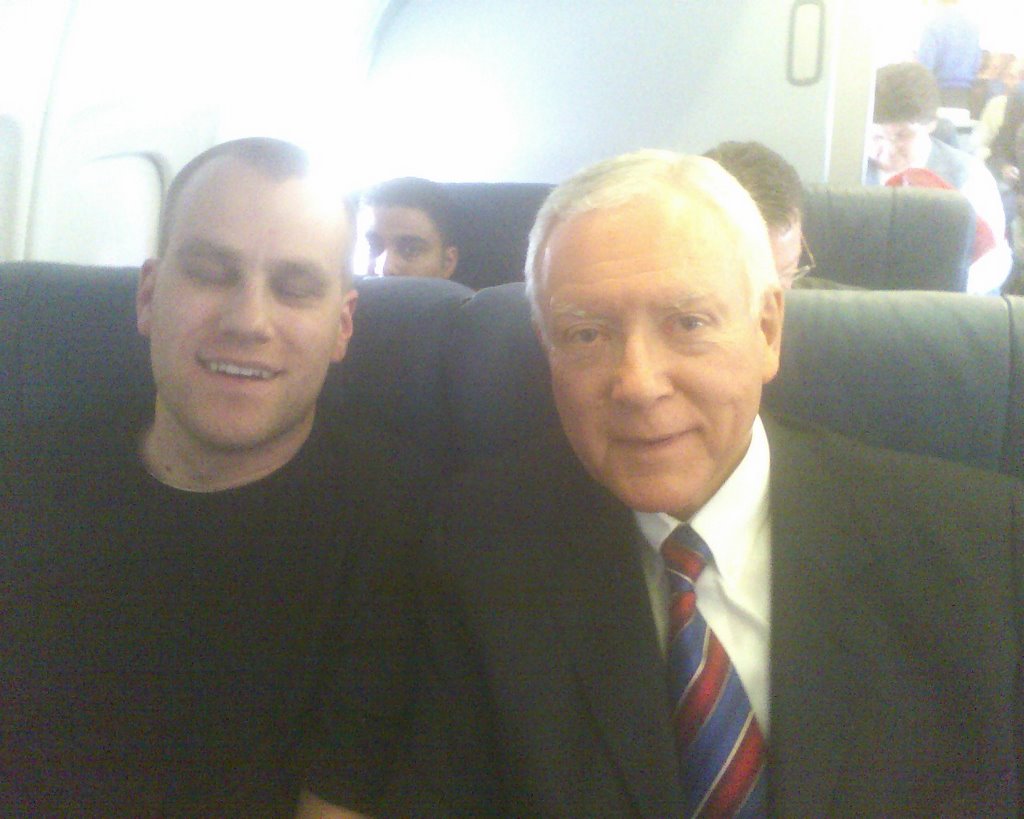 In usual fashion I have my eyes closed for this once in a lifetime photo opportunity. The timig was great, my first upgrade to first class this year (I'm almost Silver Medallion again) and I'm sitting next to Orrin Hatch. I'm sure that after this Delt won't feel the need to upgrade me again for while figuring this was good enough to last me for a while.